How to Winterize Zigbee Outdoor Motion Sensors Without Losing Mesh
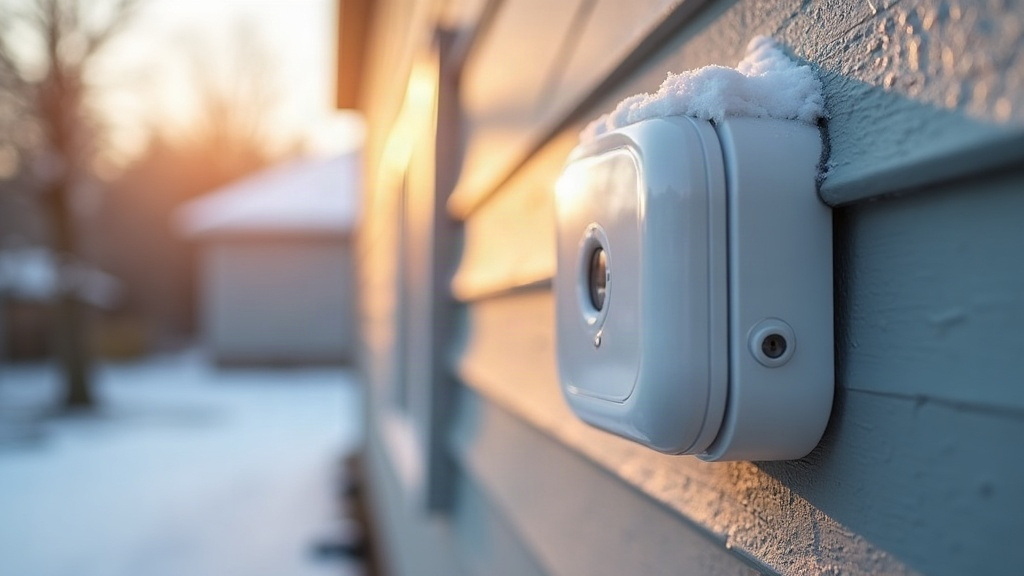
Winterizing Zigbee outdoor motion sensors isn’t just about wrapping them up against the cold. It’s about protecting the invisible mesh network they rely on, since a drop in temperature doesn’t just affect the sensor itself, it ripples through your whole Zigbee setup. Cold weather eats into battery life, changes how radios behave, and often tempts people to unplug or relocate devices for the season, any of which can quietly punch holes in your mesh. Here’s how to winterize sensors the right way without creating dead zones in your yard.
Why Cold Weather Disrupts Zigbee Outdoor Sensors
Zigbee outdoor motion sensors depend on two things winter goes after directly:
- Battery chemistry. Standard alkaline batteries lose anywhere from 20% to 50% of their effective capacity once temperatures drop below freezing. A sensor showing “80% battery” in October can go completely dark during a January cold snap, seemingly overnight.
- Mesh dependency. Battery-powered motion sensors are usually “end devices,” meaning they don’t relay signal for anyone else. Your mesh’s real backbone is the mains-powered repeaters, things like smart plugs, outdoor-rated switches, or dedicated range extenders, and those need to stay online and stay put.
Pull a repeater, move it, or let it die mid-winter, and you can accidentally sever the mesh path to sensors clear across the yard, even when the sensor itself is working perfectly.
Step 1: Audit Your Mesh Before Touching Anything
Before you touch a single sensor, pull up your Zigbee coordinator’s network map. Most hubs support this: Home Assistant with ZHA or Zigbee2MQTT, SmartThings, Hubitat, take your pick.
- Figure out which repeater each outdoor sensor is hopping through.
- Check the signal strength (LQI) at each hop. Anything sitting consistently below 50 is already on thin ice.
- Flag repeaters that are seasonal, like a smart plug running your string lights that’s coming down for winter.
This map tells you exactly which devices are off-limits unless you’ve got a replacement lined up.
Step 2: Swap to Cold-Rated Batteries
- Go with lithium, not alkaline. Lithium cells hold their voltage down to -40°F (-40°C), while alkaline starts tanking hard below 20°F (-6°C).
- Swap batteries in the fall, proactively, don’t wait for a low-battery alert. Those alerts often lag well behind the real voltage drop once the cold sets in.
- Keep a spare set indoors at room temperature. A battery that’s been sitting warm gives you an instant voltage advantage over one that’s been sitting in a freezing garage.
Step 3: Protect the Housing Without Blocking the Radio
Weatherproofing matters, sure, but overdo it and you’ll kill the signal and choke the PIR detection range right along with the moisture.
- Stick to manufacturer-rated outdoor enclosures or mounting hoods. Skip the plastic bags, tape, or silicone smeared directly over the lens or antenna, that’s a shortcut to a dead sensor.
- Mount under eaves or soffits instead of burying sensors in fully recessed boxes. This keeps snow and rain off while preserving line-of-sight to your repeaters.
- Leave a few inches of clearance from metal gutters, downspouts, and siding. Metal reflects or absorbs 2.4GHz signals, and it gets worse when wet or iced over.
Step 4: Reinforce the Mesh Before Repeaters Go Offline
Don’t just yank your seasonal repeaters and hope for the best, replace their function first.
- Drop in a dedicated outdoor-rated Zigbee repeater (plenty of outdoor smart plugs double as one) near trouble spots before you unplug the holiday decor.
- Space repeaters roughly every 20-30 feet for clear line-of-sight; tighten that spacing if the signal has to punch through walls or windows.
- Test after every single change using the hub’s actual LQI readout, don’t eyeball it. A sensor that “seems fine” might be one bad hop away from going dark during the next storm.
Step 5: Account for Snow and Ice Interference
Snow buildup and ice can both block PIR motion detection and slightly dampen RF signal:
- Angle sensors a bit downward so snow doesn’t settle right on the lens.
- Clear heavy snow after storms instead of letting it freeze into a solid sheet over the sensor face.
- If a sensor sits near a roofline, double-check it’s not blocked by icicles or snowdrifts that weren’t an issue back in July.
Quick Winterization Checklist
- Map current mesh paths and repeater dependencies
- Replace all outdoor sensor batteries with lithium
- Verify repeater uptime plan for any seasonal plugs being unplugged
- Add supplemental repeaters where LQI is already weak
- Mount/adjust sensors to shed snow without blocking radio path
- Re-test mesh map after all changes
Conclusion
Winterizing Zigbee outdoor motion sensors is really about protecting the invisible network behind them, not just weatherproofing the plastic casing. Swap in lithium batteries, keep the housing open enough for line-of-sight instead of sealing everything shut, and replace seasonal repeaters before they go dark on you. Run the mesh audit first, and your sensors will keep reporting reliably straight through the coldest stretch of winter.