Best Thread Border Routers for Three-Story Brick Townhouses
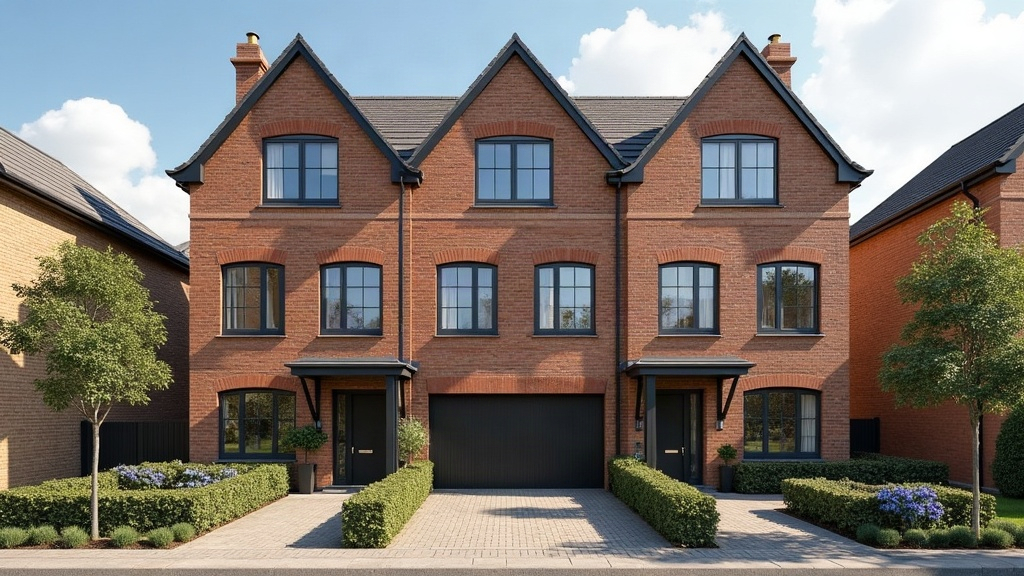
Choosing the right Thread border router for a three-story brick townhouse really comes down to one thing: can the signal actually get through? Brick, plaster, and that metal lath hidden inside a lot of older walls are brutal on wireless signals. Stack three floors on top of that, and range plus mesh density become your real priorities, not brand names. The best approach isn’t one device, it’s smart speakers, hubs, or routers with strong radios placed strategically on each level.
Why Three-Story Brick Homes Are a Unique Challenge
Thread is a low-power mesh protocol. That’s great for battery-powered sensors, but it also means individual devices have limited raw range compared to Wi-Fi. In a brick townhouse, you’re fighting two problems at once:
- Horizontal signal loss from brick exterior and interior masonry walls. Brick alone can cut Wi-Fi or Thread signal strength by 50% or more per wall.
- Vertical signal loss between floors, since Thread radios weren’t designed to punch through floor joists and subflooring the way a beefy router antenna can.
A single border router sitting on the ground floor almost never reaches a bedroom on the third floor reliably. I’ve seen it fail even in homes with decent Wi-Fi. The fix is a mesh of border routers. Thread networks self-heal and route around weak links once you’ve got enough nodes scattered around.
What to Look for in a Thread Border Router
1. Multiple Devices, Not Just One
Thread’s biggest advantage is that every border router and Thread-enabled device extends the mesh. Look for ecosystems where border routers are already built into things you’d probably buy anyway:
- Apple HomePod mini / HomePod (2nd gen): each one acts as a Thread border router automatically, no setup required.
- Google Nest Hub Max / Nest Wifi Pro: Nest Wifi Pro does double duty as a Wi-Fi 6 mesh node and a Thread router, which is ideal for multi-floor coverage.
- Amazon Echo (4th gen) / Eero with built-in Thread: Echo devices with Zigbee/Thread radios act as hubs too.
- Aqara Hub M3: a dedicated, high-powered border router that’s become popular in larger homes for a reason.
2. One Border Router Per Floor (Minimum)
For a three-story brick townhouse, budget for at least one Thread border router per floor:
- Ground floor: near the entryway or kitchen
- Second floor: hallway or living area
- Third floor: bedroom or office
This keeps hop distances short, and that matters a lot. Thread mesh latency and reliability both degrade with every extra hop through a weak node.
3. Matter Compatibility
Since Thread is the backbone for Matter, check that your border router supports Matter over Thread. That way it works across Apple Home, Google Home, Amazon Alexa, and SmartThings instead of locking you into one ecosystem.
4. Placement Over Brand
Don’t fixate on brand alone. Placement matters more, honestly. Avoid putting border routers:
- Directly against exterior brick walls
- Inside metal appliance cabinets or near large mirrors
- In basements, if most of your Thread devices live on the upper floors
Recommended Setup for a Three-Story Brick Townhouse
- HomePod mini on the ground floor, entry console
- Nest Wifi Pro or Aqara Hub M3 on the second floor, central hallway
- Second HomePod mini or Echo Pop on the third floor, near your most Thread-dense room (bedroom with smart locks, sensors, and lights, for example)
This creates a triangulated mesh where no device is ever more than one floor away from a border router. The payoff: noticeably faster response from Thread-based locks, sensors, and bulbs.
Common Mistakes to Avoid
- Relying on Wi-Fi mesh alone. Wi-Fi extenders don’t substitute for Thread’s low-latency mesh when it comes to locks and sensors.
- Buying only one high-end router. A single $150 hub sitting in the living room won’t outperform three $99 nodes spread across floors.
- Ignoring brick thickness. Pre-1950s brick townhouses often have double-wythe construction, which is a lot denser than the brick veneer you’d find on a modern build.
Conclusion
For a three-story brick townhouse, the winning move isn’t hunting for one “best” Thread border router. It’s spreading multiple border routers across floors to build a mesh that can actually absorb weak spots. Prioritize Matter-compatible devices like the HomePod mini, Nest Wifi Pro, or Aqara Hub M3, put at least one per floor, and keep them away from brick exteriors or metal fixtures. Do that, and your smart locks, sensors, and lights will respond almost instantly, no matter how thick the walls are.