Fixing Matter Smart Bulbs That Randomly Turn On After a Power Outage
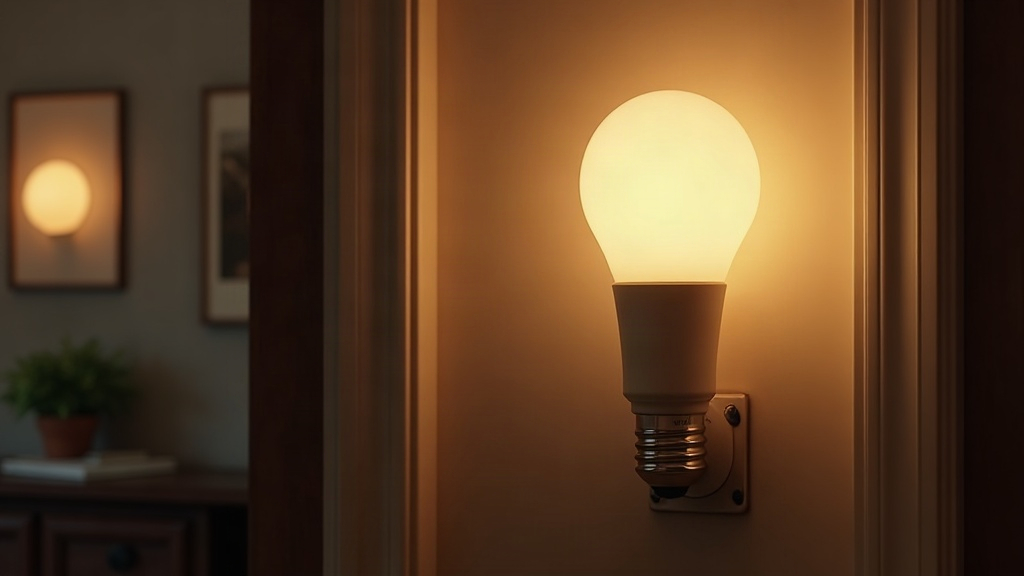
If your Matter smart bulb snaps back on after a power outage, don’t panic and don’t assume Matter is broken. Nine times out of ten, it’s a factory-set “power-on behavior” baked into the bulb’s firmware. The fix usually takes two minutes in your controller app (Apple Home, Google Home, Amazon Alexa, or SmartThings), though occasionally you’ll need a firmware update or a quick look at your wiring too.
Why This Happens
Here’s the thing most people don’t realize: almost every smart bulb, Matter-certified or not, ships with a default rule for what to do the instant power comes back. Manufacturers usually set that rule to “turn on” rather than “restore previous state.” Why? Because it’s an easy way to prove the bulb is actually receiving power when it’s boxed up on a shelf. The downside is that this default couldn’t care less about whatever automation or scene was running before the lights went out.
A few usual suspects:
- Default power-on state locked to “On” at the firmware level, which overrides whatever you set in the app.
- Matter fabric re-sync delay. After a power cut, the bulb reconnects to Thread or Wi-Fi and briefly flashes an “on” status before it actually syncs with reality.
- Hub or border router restart, which forces devices to re-announce themselves. Some apps read that re-announcement as an on command.
- Firmware bugs, particularly common in first-generation Matter-over-Thread bulbs that haven’t had their kinks worked out yet.
- A wall switch left in the “on” position. If the switch was flipped on before the outage, the bulb gets full power the moment electricity returns. No Matter setting on earth will stop that.
How to Fix It
1. Check the Wall Switch First
Yes, it’s obvious. It’s also the thing almost everyone skips. If your smart bulb sits behind a regular wall switch that was left on, it’s going to light up the second power comes back, simple electrical physics, nothing to do with software. Rule this out before you go digging through app menus.
2. Change the Power-On Behavior Setting
Most Matter bulbs still hide a “power restore behavior” or “on power loss” option inside their original manufacturer app, even when you’re mainly controlling the bulb through Matter:
- Open the manufacturer’s own app (Philips Hue, Nanoleaf, Eve, whatever brand you’ve got) alongside your main Matter controller.
- Dig into Settings > Device Behavior > Power Recovery (exact wording changes from brand to brand).
- Switch it to “Restore Last State” instead of “Always On.”
- Can’t find it there? Check the device details page inside your Matter controller. Some expose this directly through Matter’s On/Off cluster attributes.
3. Update Firmware
Old firmware causes more weird Matter glitches than people give it credit for. Update through one of these:
- The manufacturer’s app (usually the most reliable path for firmware pushes)
- Your Thread border router or hub, if it handles updates centrally
- Pending-update notifications inside Apple Home, Google Home, or Alexa
4. Re-commission the Bulb to Matter
If your setting keeps reverting no matter how many times you change it, the Matter commissioning itself might be corrupted. Here’s the reset sequence:
- Pull the bulb out of your Matter fabric/controller entirely.
- Factory reset it (typically 5 quick on/off flicks at the wall switch, or a physical reset button).
- Re-add it through the manufacturer’s app first, set the power-on behavior there, then share it back over to Matter.
5. Add a Smart Plug or UPS for Critical Fixtures
Sometimes a setting just won’t stick no matter what you try. In that case, a smart plug with its own power-restore logic sitting in front of the bulb can act as a workaround, catching the power before it even reaches the bulb.
Preventing Future Issues
- Set firmware updates (bulb and hub both) to install automatically. Don’t rely on remembering to check.
- Skip traditional wall switches for Matter bulbs entirely. A smart switch avoids this whole mess.
- Write down your power-on behavior settings right after setup. That way, if something shifts after an update, you’ve got something to compare against.
Conclusion
A Matter bulb flaring back to life after a blackout almost never means broken hardware. It’s a factory default stubbornly fighting your actual smart home routines. Check the wall switch, flip the power-restore setting in the manufacturer’s app, keep firmware current, and re-commission the bulb if the setting refuses to hold. Do that, and your bulbs will go back to behaving themselves instead of blasting full brightness into your bedroom at 3 a.m.