NFC Tags for Guest-Friendly Smart Home Controls in Rentals
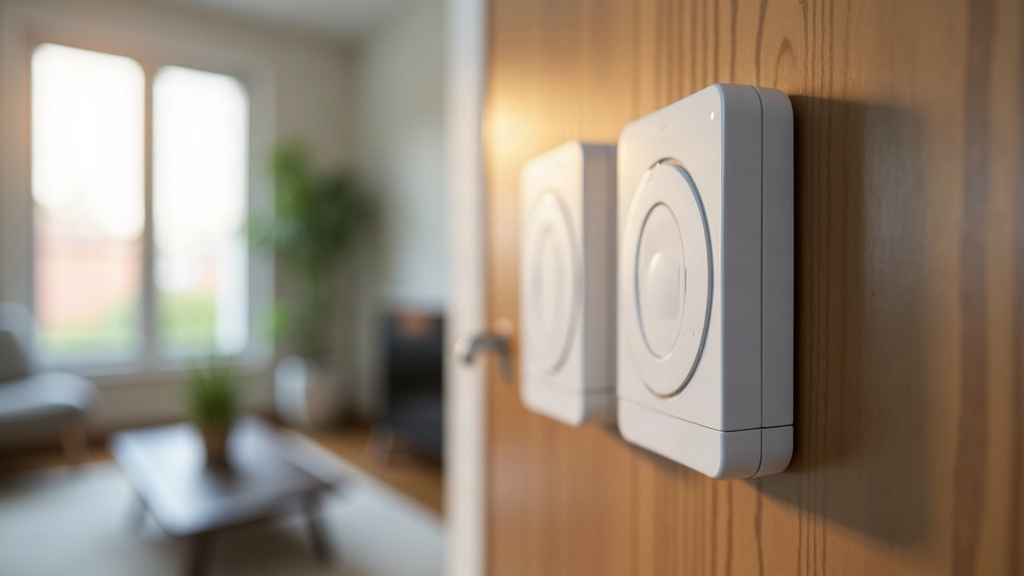
NFC Tags: The Quiet Fix for Smart Home Confusion in Short-Term Rentals
Anyone who’s hosted a rental property knows the drill. You install a slick smart lock, a programmable thermostat, maybe some color-changing lights, and then spend half your check-in messages explaining how to use them. NFC tags solve this problem in a way that’s almost embarrassingly simple. Instead of making guests download an app, set up an account, or squint at a laminated sheet taped to the fridge, they just tap their phone against a small sticker. Doors unlock. Wi-Fi connects. Lights turn on. The thermostat kicks in. For hosts managing smart locks, lighting, and climate systems across several listings, NFC tags are a cheap, nearly invisible way to make the tech actually work for guests instead of against them, which is exactly the point on a vacation.
Why NFC Tags Work So Well for Rentals
Near Field Communication (NFC) tags are passive stickers. They hold a tiny bit of data and transmit it the moment a smartphone taps them. No battery inside, no pairing process, no app needed on most phones made in the last several years. Both iOS and Android read NFC natively now, either through the camera or background scanning, so there’s nothing for the guest to install.
Why does this matter so much for rentals specifically?
- Guests arrive needing zero technical onboarding. They tap. That’s the whole instruction.
- No app fatigue. A typical traveler already has five apps open for their trip (the airline, the car rental, two different map apps, the booking platform). Nobody wants a sixth app just to turn on a lamp.
- The experience stays consistent across devices. iPhone, Android, three-year-old budget phone, doesn’t matter. NFC just works.
- It’s cheap. Tags run $0.20 to $1 apiece when bought in bulk, which is nothing compared to installing a tablet or smart hub in every room.
Practical Use Cases in a Smart Rental
1. Wi-Fi Connection
Stick a tag near the entryway, or right on the fridge, programmed to connect a guest’s phone to your network instantly. No typing a 16-character password full of symbols while standing in the hallway with luggage in both hands.
2. Smart Lock Instructions
Rather than writing a paragraph explaining how the keypad works, place a tag by the door that opens a short video walkthrough, or triggers a shortcut that just displays the entry code on screen. Thirty seconds, done.
3. Thermostat and Lighting Presets
Put a tag on the nightstand labeled “Night Mode” that dims the lights and drops the thermostat two degrees automatically. Add another by the exit labeled “Away Mode” that shuts everything down when guests head out for the day. It feels like the house is paying attention.
4. House Manual Access
Forget the three-ring binder nobody reads. One tag opens a digital guidebook covering checkout steps, nearby restaurants worth trying, and quick fixes for common issues (like what to do if the AC remote’s batteries die).
5. Appliance Instructions
Washer/dryer combos, espresso machines, hot tubs, these trip people up constantly. A tag that pulls up a 30-second instructional video can cut support messages by a noticeable margin. One host I came across mentioned her coffee-machine questions dropped to almost nothing after adding a single tag.
How to Set It Up (No Coding Required)
- Buy NFC stickers. NTAG213 or NTAG215 chips are the standard, cheap and widely compatible.
- Download a free app, like NFC Tools for iOS or Android, and use it to write a URL, Wi-Fi credentials, or a smart home shortcut onto the tag.
- Link tags to automation platforms for anything beyond simple links: Apple Shortcuts, Google Home routines, SmartThings, or Home Assistant. Tap the tag and it fires a scene, say “Good Morning,” which turns on the lights and starts the coffee maker at once.
- Label everything in plain language. “Tap for Wi-Fi.” “Tap to Unlock Guide.” “Tap for Night Mode.” Nothing clever, just clear.
- Use weatherproof or laminated tags for anything near a front door, patio, or other spot exposed to rain and sun.
Addressing Common Host Concerns
Will tags confuse older guests? Not really. Tapping is often easier than typing, and most people figure it out faster than they’d figure out a QR code. A one-line printed note next to the tag (“just tap your phone here”) covers the rest.
What if a guest’s phone doesn’t support NFC? Almost every smartphone sold in the past seven years supports it. For that rare older device, keep a backup printed code, or a QR code as a fallback option, since QR works on basically everything.
Can tags break or get removed? They’re durable and cheap enough that it barely matters. Keep a few spares in a drawer and swap them out once a year during routine turnover cleaning, same as you’d replace batteries in a smoke detector.
Is this secure? Tags used for Wi-Fi or scene triggers don’t display your password anywhere visible, and lock codes can rotate per booking through your smart lock’s own app. Security stays intact either way.
Why This Beats QR Codes and Instruction Sheets
QR codes force guests to open a camera app, sometimes a separate scanner app on top of that, which is one more step than it sounds like when you’re tired from travel. Instruction sheets, meanwhile, get lost under suitcases or just ignored outright. NFC skips all of that. Tap, and the action happens right away, sometimes without even unlocking the phone first, depending on the settings.
Final Thoughts
NFC tags might be the single most underrated upgrade a short-term rental host can make. They take complicated smart home setups and turn them into a tap, something guests actually enjoy rather than tolerate. Fewer support messages at 11pm, better reviews, a property that feels like someone actually thought it through. For a few dollars in hardware and maybe twenty minutes of setup time, NFC closes the gap between impressive smart home tech and guests who, honestly, just want their stay to be easy.