Best Battery Video Doorbells for Weak Front-Porch Wi-Fi (2026)
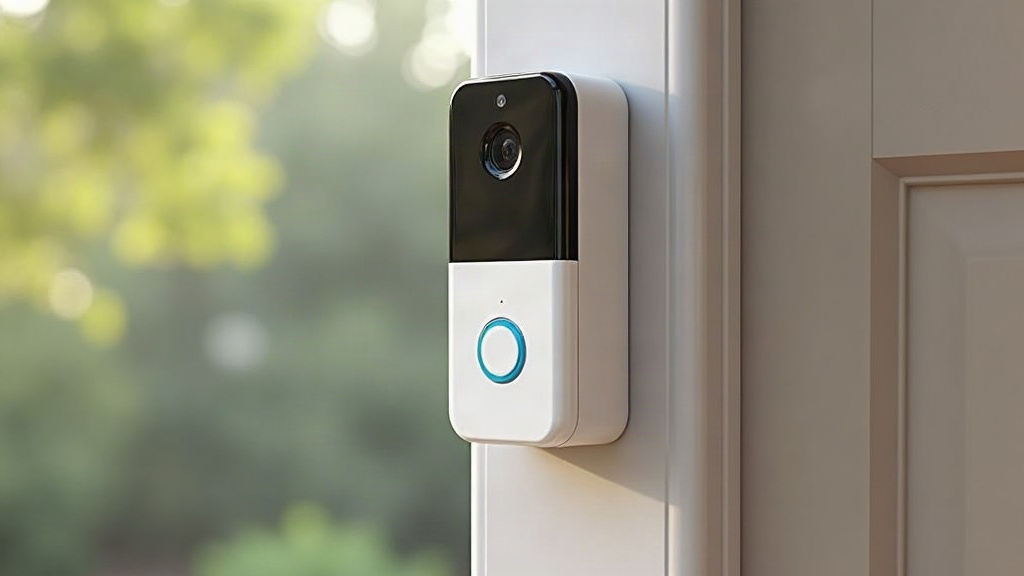
If your front porch sits far from your router, behind brick walls, or near metal siding, there’s a good chance your video doorbell keeps dropping connection, missing motion alerts, or serving up a live view that stutters like a bad Zoom call. Below, I’ve compared battery-powered video doorbells that genuinely handle weak front-porch Wi-Fi better than the rest, plus the settings and hardware tweaks that actually fix dropout problems (not just band-aid them).
Why Front-Porch Wi-Fi Is Often the Weakest Spot in a Home
Routers tend to land near the center of a house, tucked in a living room or home office, nowhere near the entryway. The front door, meanwhile, is often:
- The single farthest point from the router
- Blocked by several interior walls, plus brick, stucco, or stone
- Sitting near metal doors, mailboxes, or storm doors that chew up 2.4GHz signals
- Caught in the crossfire of outdoor interference from neighboring networks
Video doorbells are particularly picky about signal quality because they need steady bandwidth for live streaming and a quick burst of throughput the moment motion triggers a recording. A -75dBm reading (or worse) at the door usually translates into delayed alerts, blocky video, or a doorbell that just goes dark during the evening Wi-Fi rush hour.
What to Look For in a Doorbell for Weak Wi-Fi Spots
1. Dual-Band or 2.4GHz-Only Radios With Strong Antenna Design
Most video doorbells rely on 2.4GHz because it travels farther than 5GHz, even if it’s slower. Look for models with external or higher-gain antennas rather than the tiny internal ones tucked behind the camera lens. They simply hold on longer before the connection gives out.
2. Battery Power (Not Hardwired)
Battery power matters here for a reason that has nothing to do with convenience: it lets you move the doorbell to wherever the signal is actually decent, even if that’s three feet to the left of the door frame, instead of being stuck wherever the old wiring happens to run.
3. Local Storage or SD Card Backup
When Wi-Fi blinks out for a few seconds (and it will), doorbells with onboard storage, whether a microSD slot or internal flash, keep recording and sync the footage once the connection comes back. Cloud-only models just lose that chunk of video. Gone.
4. Mesh/Repeater Compatibility
Doorbells that play nicely with mesh systems (Eero, Google Nest Wifi, TP-Link Deco) tend to hold a connection far better than ones designed around a single dedicated router sitting across the house.
Battery Doorbell Comparison for Weak-Signal Homes
Eufy Video Doorbell E340 (Battery) A strong pick for weak Wi-Fi since it stores video locally by default, which cuts down on the constant cloud upload that kills weaker connections. The dual-camera setup keeps working even if the link drops mid-recording for a second or two.
Ring Battery Video Doorbell Pro Solid antenna performance, and it supports Ring’s Wi-Fi extender accessories. It holds up fine at around -70dBm, but push past that and alerts start lagging noticeably, sometimes by 10-15 seconds.
Arlo Essential Video Doorbell (Wire-Free) Pairs with Arlo’s SmartHub, which functions as its own dedicated access point near the door. That basically sidesteps your weak home Wi-Fi by building a separate wireless link just for the doorbell.
Google Nest Doorbell (Battery) Rock solid with Nest Wifi mesh points nearby, but it struggles more than Eufy or Arlo when it’s leaning on a single standalone router far from the entry.
Fixes Beyond Buying a New Doorbell
- Add a mesh satellite or Wi-Fi extender near the window closest to the porch. Even a cheap $30 plug-in extender can turn a -80dBm signal into something closer to -60dBm.
- Manually switch the doorbell to the 2.4GHz band if your router broadcasts both bands under one name. Auto-selection sometimes grabs 5GHz by default, and that band simply doesn’t travel as far.
- Move the router itself, if you can. Shifting it to a wall that faces the front door can noticeably improve signal without spending a dime on new hardware.
- Check for interference from large metal fixtures nearby, storm doors, mailboxes, or an HVAC unit mounted right next to the install spot.
Which Doorbell Wins for Truly Weak Signal Areas?
If your porch Wi-Fi is genuinely bad and you’d rather not buy a mesh extender, go with Arlo’s SmartHub system or one of Eufy’s local-storage doorbells. Both reduce how much they depend on live, constant Wi-Fi throughput, which is exactly what fails first in a dead zone. If your signal is only moderately weak, say -65 to -75dBm, Ring’s battery doorbells paired with a Wi-Fi extender hit the sweet spot between features and reliability.
Conclusion
Weak front-porch Wi-Fi doesn’t have to mean a laggy, frustrating doorbell. Go with battery-powered models that have strong antennas, local storage as a fallback, and mesh compatibility, then pair that with a cheap signal boost near the entryway. Get that combination right, and you’ll have instant alerts and sharp video, even in what used to be the dead zone right outside your front door.