Building a Local-Only Home Assistant Energy Dashboard
Why Go Local-Only for Energy Monitoring
Most “smart” plugs and energy meters ship your usage data straight through the manufacturer’s cloud before you ever see a chart in the app. A few problems come with that arrangement:
- Your consumption patterns sit on someone else’s servers, not yours
- The dashboard stops working the moment the vendor’s cloud hiccups
- Automations lag, because every reading has to round-trip to the internet and back
Go local instead, and your home network handles everything. Home Assistant talks directly to sensors over Wi-Fi, Zigbee, or Z-Wave, stores the readings in a local database, and renders dashboards without phoning home to anyone.
Hardware You’ll Need
You don’t need a $400 whole-home monitor to get useful numbers. A layered setup, mixing a main-feed sensor with a handful of per-device plugs, covers most houses just fine.
Whole-Home Monitoring
- Shelly EM / Shelly 3EM: clamp-on current sensors that report real power draw locally through their own API. Turn off “Shelly Cloud” in the settings and it never leaves your network.
- IoTaWatt: an open-source multi-circuit monitor. Plays nicely with Home Assistant over local MQTT or REST, and it’s the cheaper route if you want to split out several circuits at once.
Per-Device Monitoring
- Shelly Plug S, or an Athom smart plug reflashed with ESPHome, reports instant wattage and cumulative kWh per outlet
- DIY ESPHome sensors with CT clamps (SCT-013 is the common choice) for circuits you can’t just plug something into, think HVAC compressors or an electric water heater
Firmware Tip
Reflash stock Shelly or Tasmota gear with ESPHome and you get full local control, no cloud dependency left at all. These devices auto-discover inside Home Assistant over mDNS, so there’s no manual IP hunting involved.
Setting Up the Energy Dashboard
Home Assistant ships with a built-in Energy Dashboard (Settings → Dashboards → Energy). It’s a fine starting point, but if you actually want granular, per-appliance insight, you’ll need to push past the defaults:
- Add your grid consumption sensor, pointing it at your Shelly EM or IoTaWatt main feed
- Add individual device sensors under “Individual devices” in the Energy config, this is what breaks total usage down by appliance instead of lumping it all together
- Turn on long-term statistics so Home Assistant keeps hourly, daily, and monthly rollups instead of hoarding raw 5-second samples forever (your database will thank you)
Building a Custom Lovelace View
The stock dashboard is decent for a bird’s-eye view, but a custom one gives you a lot more control over what you actually see day to day:
- ApexCharts Card (via HACS) for custom time-range power graphs, you can zoom into a single afternoon or stretch out to 30 days
- Mini Graph Card for compact, per-device trend widgets that don’t eat up half the screen
- Entities Card sections grouped by room or system: “Kitchen,” “HVAC,” “Office,” whatever matches how your house is wired
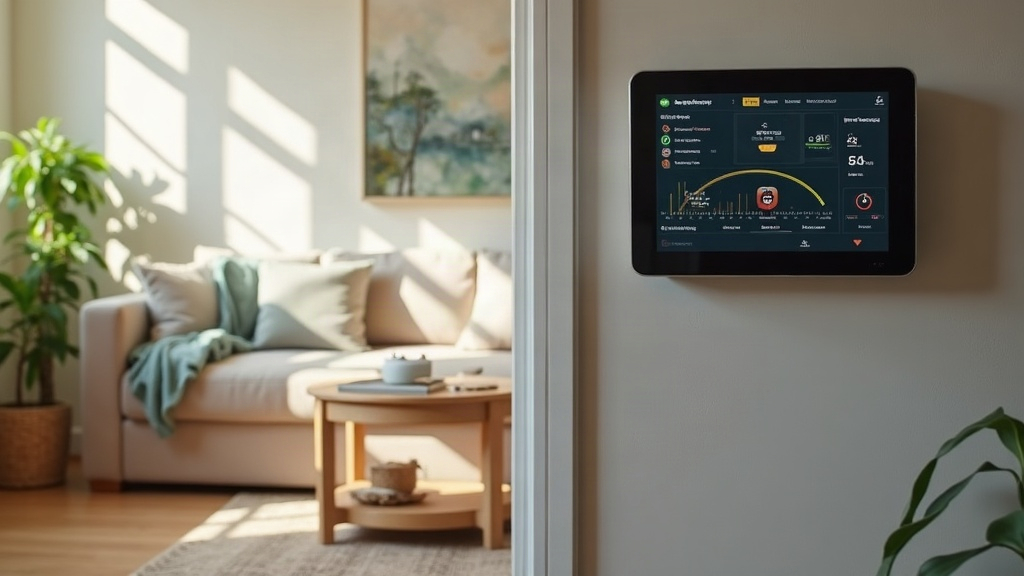
- A gauge card showing current total household draw in real time, genuinely handy for catching phantom loads the moment they show up
A layout that tends to work well:
- Top row: current total power draw (gauge) plus a daily cost estimate
- Middle: 24-hour stacked area chart broken down by room or device
- Bottom: monthly comparison bar chart
Automations That Make the Data Useful
Numbers on a screen are nice to look at, but they don’t save you a dime on their own. Automations are where the monitoring actually starts paying for itself:
- Alert on standby draw: get notified if something still pulls more than 5W ten minutes after it’s supposedly “off” (this is exactly how you catch phantom loads, that old cable box or printer that never really powers down)
- Peak load warnings: if total draw creeps past your breaker’s safe threshold, fire off a local push notification before anything trips
- Daily summary: a local TTS announcement, or just a dashboard card, showing yesterday’s kWh and an estimated cost, pulled from a Home Assistant template sensor that references your actual utility rate
Keeping It Truly Local
A few things to double-check if “zero cloud” is the actual goal here, not just a nice idea:
- Turn off cloud-connect features on every Shelly device, right in their native settings
- Run ESPHome over Wi-Fi with static IPs or reserved DHCP leases, so nothing goes missing after a router reboot
- Host Home Assistant on your own hardware (a Raspberry Pi 4 or 5, an Intel NUC, any mini-PC really) instead of a hosted instance somewhere else
- Skip integrations that demand a manufacturer API key or cloud polling. Check the Home Assistant integration docs for the “local push” vs. “cloud polling” label before you commit to a device
Conclusion
A local-only Home Assistant energy dashboard gets you faster automations, genuine data privacy, and a system that keeps running even when your internet connection doesn’t. Start with a whole-home monitor like the Shelly EM, add per-device plugs or ESPHome CT clamp sensors on your biggest appliances, then build a custom Lovelace dashboard around ApexCharts and gauge cards. Layer in a couple of smart automations for phantom-load alerts and daily cost summaries, and what you end up with isn’t just a monitoring tool. It’s something that actively nudges you toward using less.